

Research prototype, November 2026
Find who still needs a placement, draft the emails, keep the record.
InPlace Copilot reads InPlace spreadsheet exports, shows every student and project that needs action, drafts the follow-up emails and keeps track of what was sent. Its AI assistant works on tokens, not on the names in your data.
For QUT Engineering WIL staff
What you need: Sign-in details from the research team.
Sign in
Checking your session…


How it works
Three steps, from the export you already make to the emails you send.
Export and drop in
Export the spreadsheets from InPlace as you do now and drop them into Import data. They are read in your browser and never uploaded.
See what needs action
Get the to-do list and what changed since the last export.
Review and send
Check the drafts and the weekly report, then send them yourself.
Who it is for
Built for QUT Engineering work-integrated-learning staff.
Who uses it
WIL coordinator
The daily user. Works the to-do board, reviews the drafts, reads the weekly report and asks the assistant questions.
Research team
Grants access and looks after the prototype. The research team does not see the exports you import.
Who hears from it
School and discipline leads
Read the weekly report the coordinator shares. They do not sign in.
Students and agency contacts
Receive the emails the coordinator sends. They do not sign in.
See it
Screens from the app. Made-up data (8 fixture students).
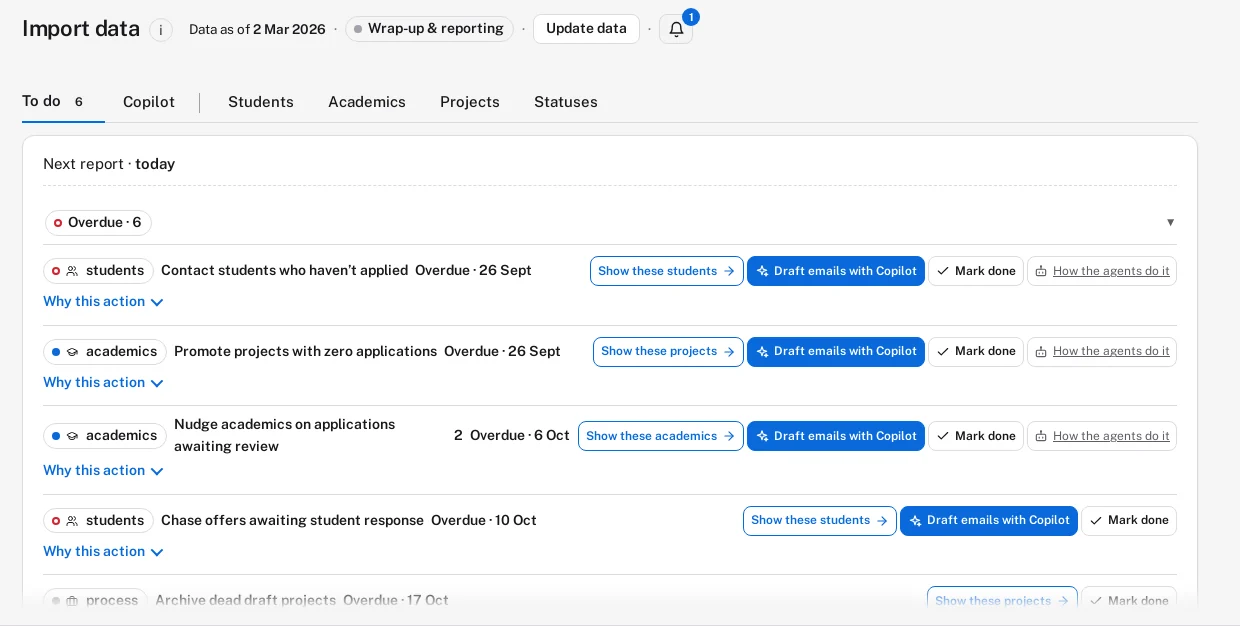
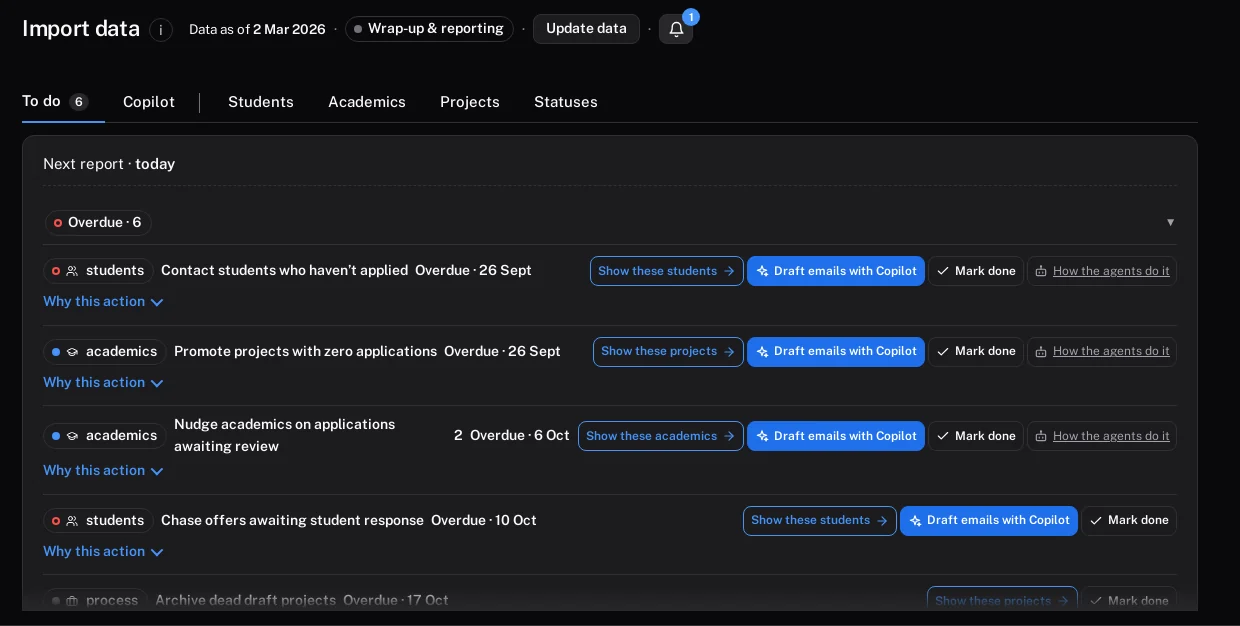
To do and Import data
Drop a fresh export to get the to-do list and what changed since the last one.
Outreach drafts
Ready drafts for students without an application and academics with no applicants.
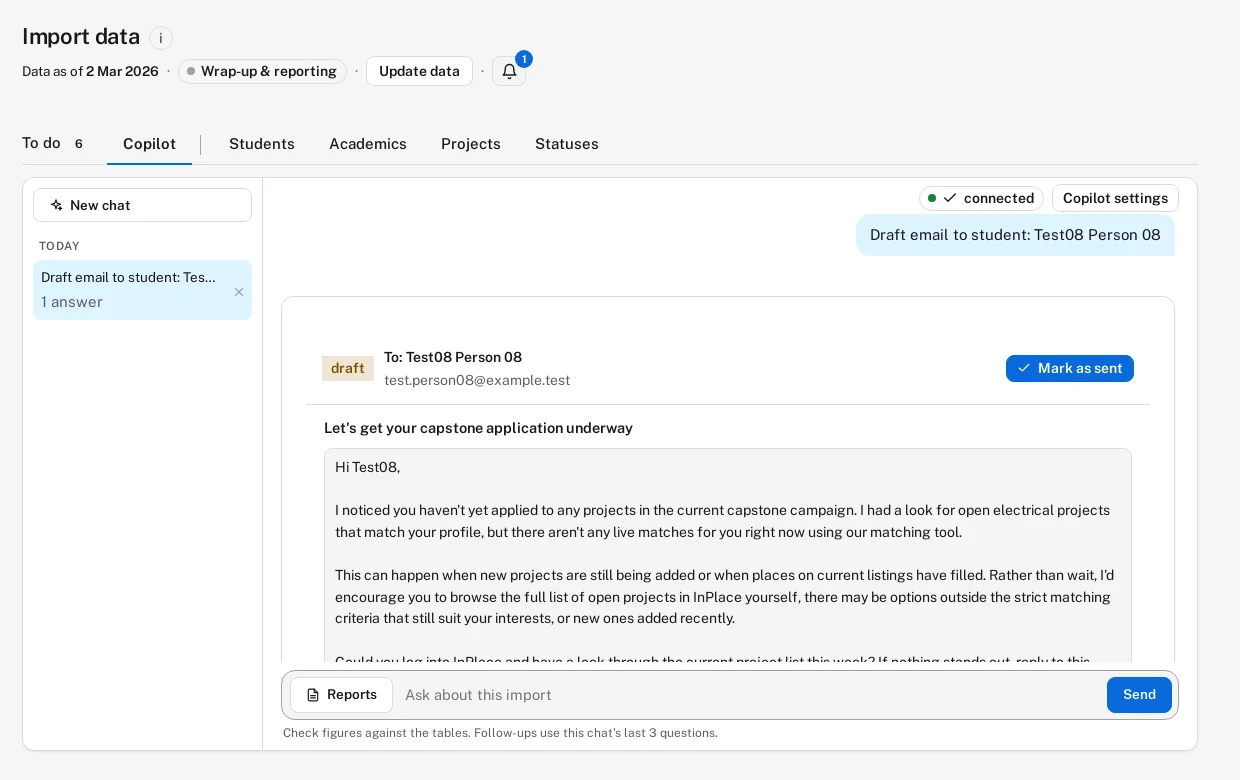
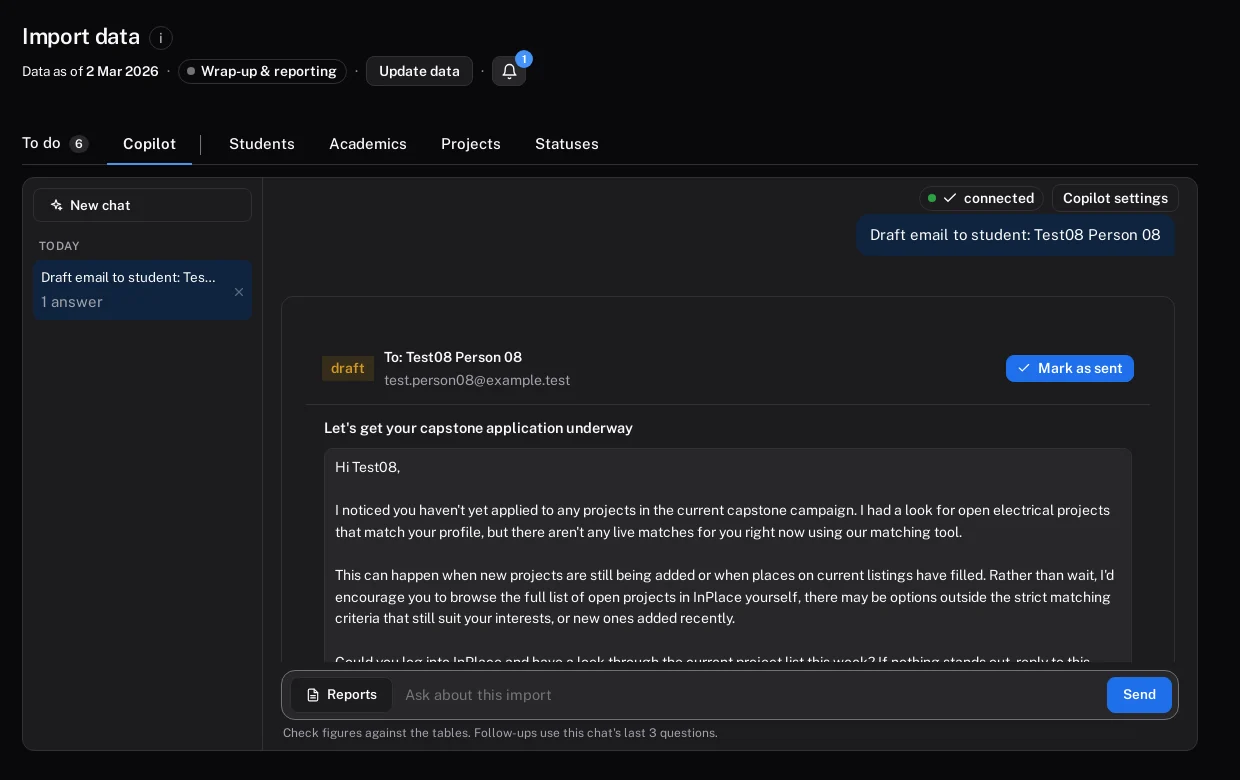
Copilot chat
Ask a question about your import and the assistant answers from the tool data.


Weekly report
The weekly report, drafted from this week's export for you to read and edit.
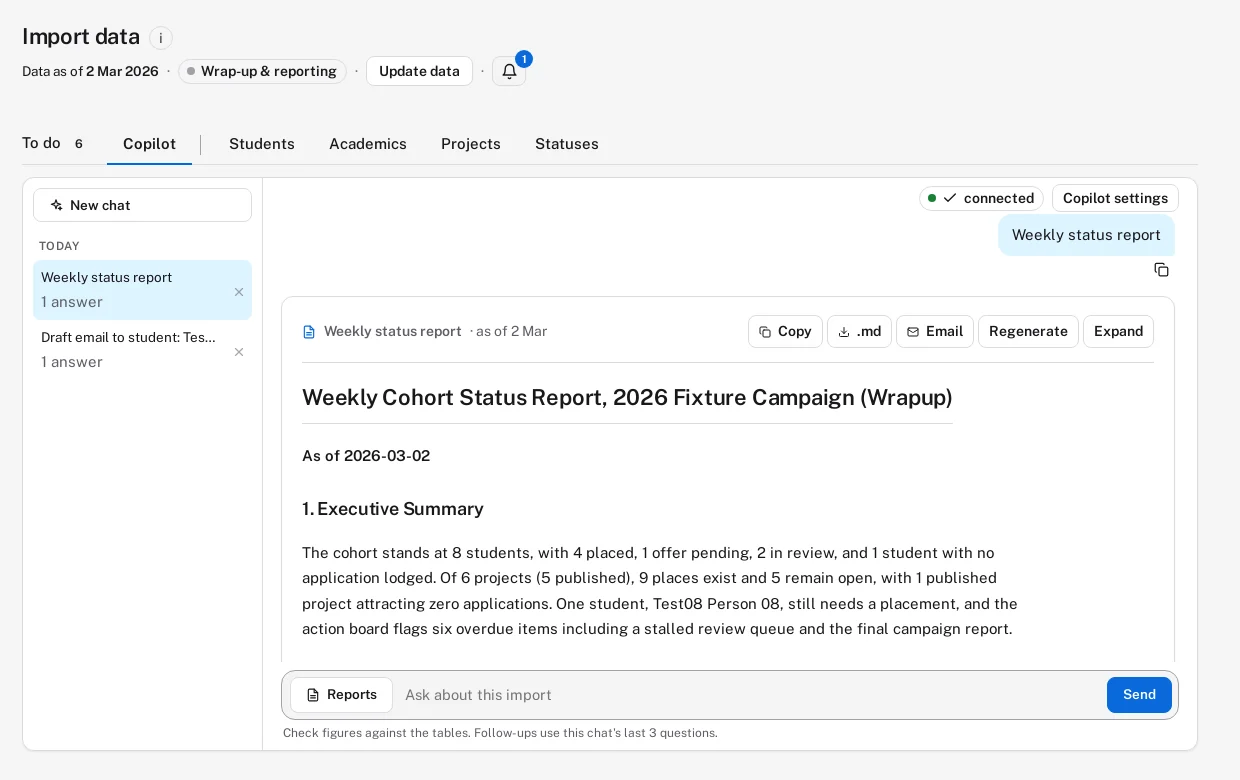
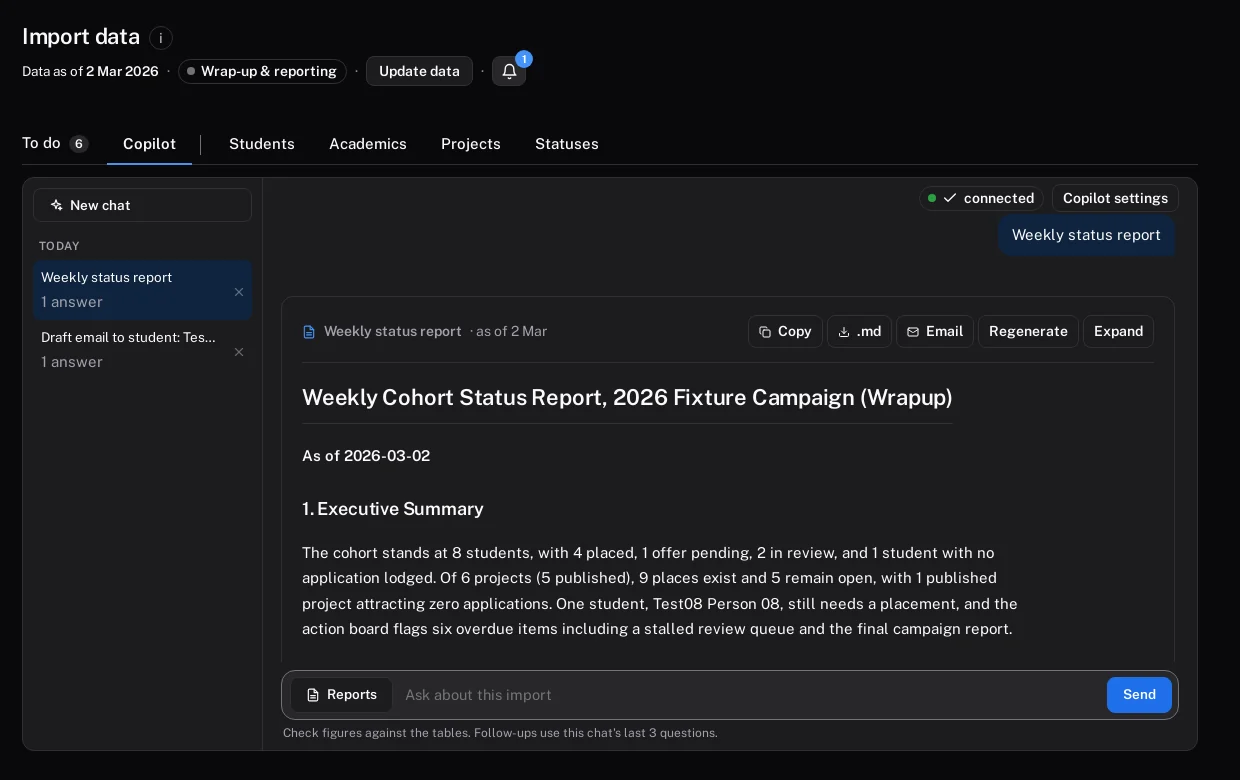
Demo: the chat answering a question
What the AI does and does not do
You stay in charge of every email.
What it does
- Answers from the tool data, and shows every tool step it took.
- Proposes changes that wait for your click, with Undo.
- Drafts emails for you to edit and the weekly report for you to copy and edit.
What it does not do
- It cannot send email. Drafts open in your own mail program.
- It has no connection to InPlace.
- It is not sent the names in your data. Names, emails and IDs from your data become tokens before any request leaves your browser, and a scan blocks a request that still holds one.
A name that is not in your data may get through, so read every draft before you send it.
Privacy and your data
Plain answers on where data lives and who sees what.
Your files stay in your browser
The spreadsheets you import are read in your browser and never uploaded. Only tokenised extracts reach the AI service when you ask it something. The records are held for this tab only; a tokenised history stays in this browser until you clear it.
Encrypted data, released on sign-in
The site's data is encrypted. The server hands the key only to a signed-in session, and every sign-in is logged. Admins see sign-ins and approvals, not your imports.
Offline, from exports
This is a research prototype. It works from spreadsheet exports only and has no live connection to InPlace.
Questions
Who can sign in?
QUT staff and others given an access code by the research team. Email sign-in is for the site admins only.
Why is there an access code?
The app holds research data. The research team gives the code to each person it approves, and the server releases the data key only to a signed-in session.
How long does sign-in last?
12 hours, or 30 days if you tick Keep me signed in. A session also ends after 7 days without use.
Does my export get uploaded?
No. Your files stay in your browser and are never uploaded. Only tokenised extracts reach the AI service when you ask it something.
Can the assistant email students?
No. It drafts emails and you send them yourself, from your own mail program. The page and the assistant have no connection to InPlace.
What if it gets something wrong?
Read every draft and every number before you use it. Changes it proposes wait for your click and can be undone. It is a research prototype and makes no accuracy claim.
Is this an official QUT system?
No. It is a research prototype from the QUT Faculty of Engineering, built to test whether AI can help with WIL coordination.
Who do I contact?
The research team: t497.nguyen@qut.edu.au. Questions and feedback are welcome.
Try it with your own export
A research prototype for QUT Engineering WIL staff.